Enter your name, connect the device with a USB cable or adapter, then click the button below.
Used only to identify this firmware request if support is needed.
Android: Direct USB programming supported through WebUSB.
Android connection instructions
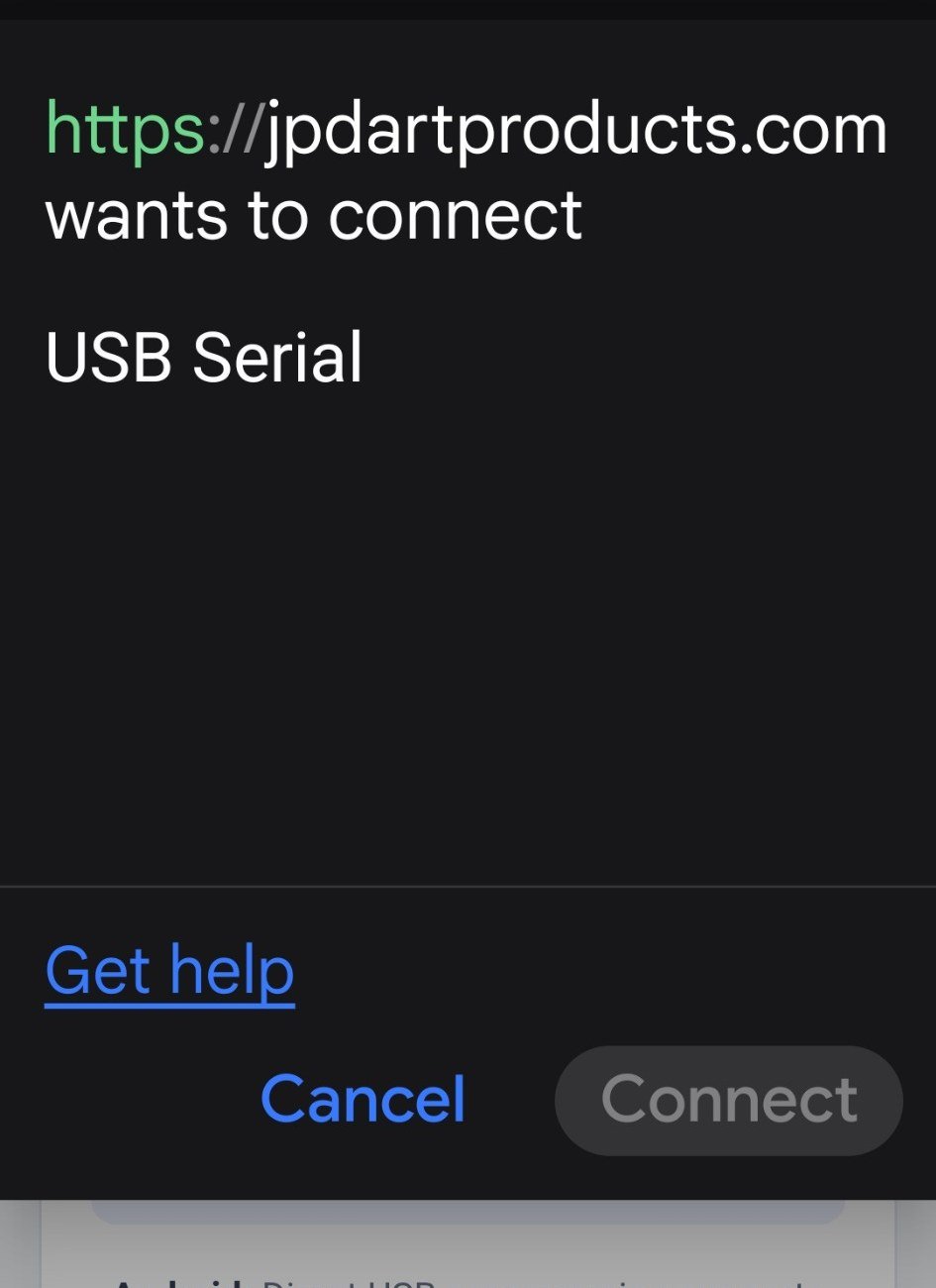
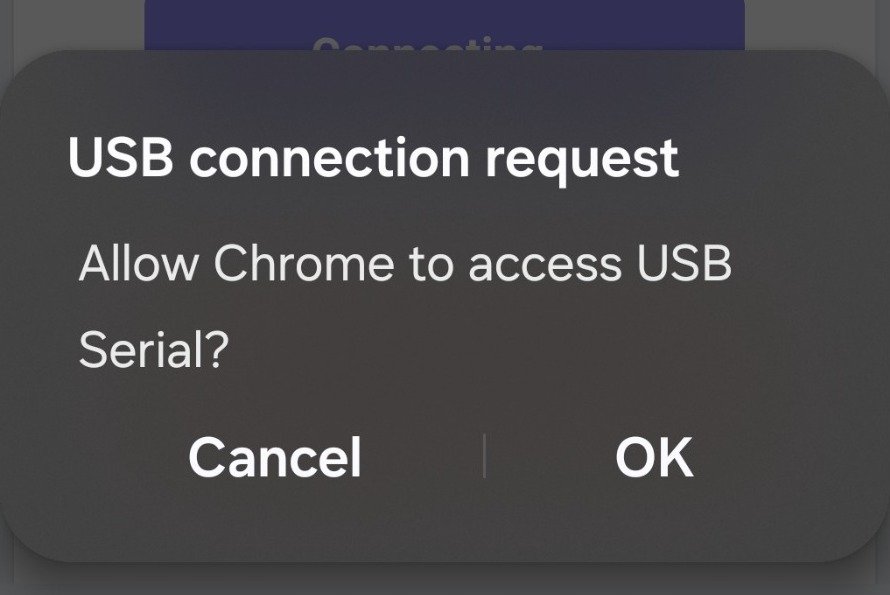
After you tap Connect Device, Android may show two permission screens:
1. Select USB Serial, then tap Connect.
2. When Android asks for USB access, tap OK.
✓
Device Connected
Checking authorization…
!
USB Driver May Be Required
Windows did not expose a compatible serial COM port for this device.
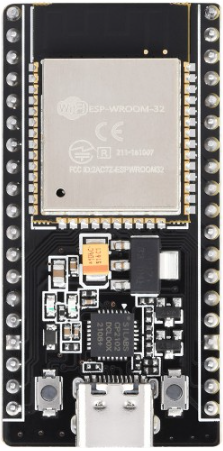
Older JP Dart Products devices may use a Silicon Labs CP2102/CP210x USB-to-UART bridge. If Device Manager shows CP2102/CP210x under Other devices or with a yellow warning symbol, install the official Silicon Labs VCP driver.